1
/
of
7
Smart Home Alliance Store
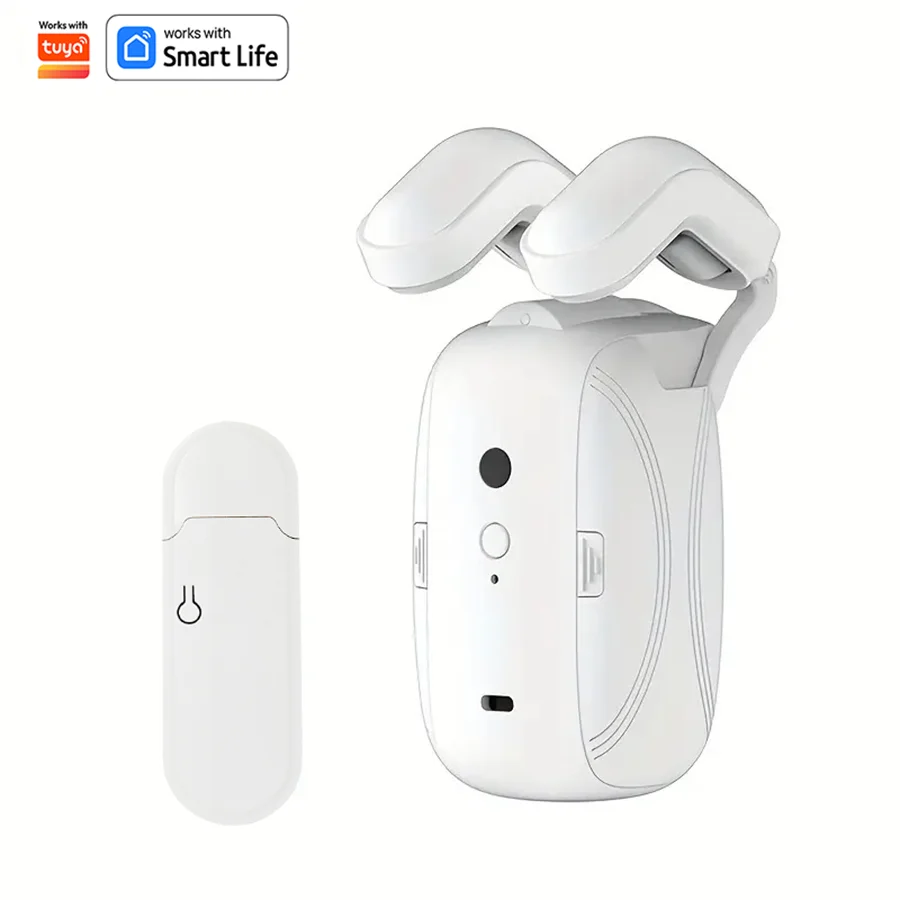
Smart WiFi Curtain Robot with Wi-Fi
Regular price
$115.00 AUD
Regular price
$465.84 AUD
Sale price
$115.00 AUD
Shipping calculated at checkout.
🚚 Free shipping on orders over $30
🔥 Selling fast – limited stock available
👀 12 people are viewing this right now
Quantity
Couldn't load pickup availability
✔ Secure Checkout 🔒
✔ 30-Day Money Back Guarantee
✔ Fast Shipping Australia Wide 🚚
✔ Trusted by Happy Customers
✔ 30-Day Money Back Guarantee
✔ Fast Shipping Australia Wide 🚚
✔ Trusted by Happy Customers
Features: Suitable for home curtain tracks, easy to install
Applicable track type: Roman pole track (applicable size 15*40mm)
Single machines can be freely combined into pairs
Function Description:
APP control
Settings on and off
Temperature/Light Sensing Off
induction start switch
Graffiti scene mode
Control distance: 20 meters
There is no need to purchase a Tuya gateway separately, it can connect to smart speakers such as Alexa, Google Home, Smart Life.
Applicable track type: Roman pole track (applicable size 15*40mm)
Single machines can be freely combined into pairs
Function Description:
APP control
Settings on and off
Temperature/Light Sensing Off
induction start switch
Graffiti scene mode
Control distance: 20 meters
There is no need to purchase a Tuya gateway separately, it can connect to smart speakers such as Alexa, Google Home, Smart Life.
Product specifications:
Application track: Wi-Fi Roman pole track 1/2 pack (shipping includes small gateway)
Applicable size: 15*40mm
Material: ABS+PC
Application track: Wi-Fi Roman pole track 1/2 pack (shipping includes small gateway)
Applicable size: 15*40mm
Material: ABS+PC
Note:
How to avoid the time zone by the factory setting?
1. Make sure your region of your cellphone is correct.
2. Then delete your device of smart curtain robot in your Tuya APP or Smart Life APP.
3. Turn on the APP to check the region again, if the region is wrong, please change the correct region.
4. Re-connecting smart curtain robot in your APP.
How to avoid the time zone by the factory setting?
1. Make sure your region of your cellphone is correct.
2. Then delete your device of smart curtain robot in your Tuya APP or Smart Life APP.
3. Turn on the APP to check the region again, if the region is wrong, please change the correct region.
4. Re-connecting smart curtain robot in your APP.


Share